
Short answer: yes, cautiously. This Composer AI Review is based on a $5,000 test account (simulated funds, not real money) that I ran through Composer‘s free plan for 60 days. It finished up a modest, single-digit gain — but only after I caught it quietly overtrading its way through a string of small rebalances that ate into the return. If you’re patient enough to babysit it, the free tier is worth trying before you pay for anything. If you’re not watching it, this Composer AI Review found it’ll nickel-and-dime you.
Composer AI Review: At-a-Glance Verdict
| Tool tested | Composer AI — Free Plan |
| Test duration | 60 days |
| Test account size | $5,000 (simulated/test funds) |
| Result | Small net gain |
| Biggest issue | Overtrading — frequent small rebalances |
| Biggest strength | Genuinely useful automated allocation logic |
| Verdict | PASS — with a fee-drag caveat |
| Best for | DIY investors who want automation but will still check in |
Full methodology behind every score in this Composer AI Review — and every other review on this site — is laid out on the Test Suite page.
Table of Contents
Why I Ran This Composer AI Review in the First Place
I spent my IT career in tech support and device management, which means I spent years being the person who finds out software doesn’t do what the sales page promised. When AI investing tools started flooding my feed, I noticed the same pattern I used to see in vendor pitches: a slick demo, a confident claim, and zero mention of what happens when a real user runs it for more than a weekend, past the point where a demo can hide the rough edges.
So that’s what this Composer AI Review actually is — not a walkthrough of the marketing site, not a “here’s what the dashboard looks like” post. I signed up like a normal user, set up a $5,000 test account with simulated money, and let it run for two months to see what a Composer AI Review looks like when nobody’s cherry-picking the good days. You can read more about why I approach every tool this way on the About page.

First Impressions: Composer AI Review, Getting Started
Getting started with Composer AI’s free plan was refreshingly not annoying. No sales call, no “book a demo” gate — I created an account, set up a simulated test account, and had access to the platform’s automated strategy tools within a few minutes. That alone put it ahead of a few other AI investing tools covered in other reviews on this site, where “free trial” turns out to mean “free trial of the marketing funnel.”
The interface leans on pre-built investment strategies (Composer calls them “symphonies”) that you can use as-is or tweak. For a free-tier product, the amount of actual functionality available — not just a locked preview of it — was better than I expected going into this Composer AI Review.
Composer AI Free vs Paid: What You Actually Get for $0
As with any Composer AI Review worth reading, the details of what’s actually included matter more than the marketing page. Here’s the breakdown of what’s available without paying, based on what I could access during testing (you can check Composer’s current plans and pricing directly, since these tend to change):
| Feature | Free Plan | Notes |
|---|---|---|
| Pre-built automated strategies | Yes | Several ready-to-use options |
| Custom strategy building | Limited | Basic customization only |
| Simulated (paper) account | Yes | This is what I used for the test |
| Rebalancing automation | Yes | This is also where the trouble started |
| Advanced backtesting tools | Limited | Paid tiers reportedly expand this |
| Priority support | No | Standard support only |
The free plan isn’t a stripped-down toy — it’s a genuinely usable product. That’s worth saying plainly in this Composer AI Review, because a lot of “free tiers” in this space are really just extended demos designed to get you to upgrade within a week. Composer’s free plan didn’t feel like that.
The Test Suite: How I Actually Ran This Composer AI Review
Every tool that gets reviewed on this site runs through the same process — Install, Run, Debug, Ship. Here’s how Composer AI held up at each stage of this Composer AI Review.
Install
Signup was fast, the onboarding didn’t require jumping through unnecessary hoops, and I had the test account running the same day. No complaints here — this is the bar every AI investing tool should clear and most don’t.
Run
I let the automated strategy run untouched for the full 60 days, checking in periodically rather than micromanaging it. This is the part of this Composer AI Review that actually matters — not what the tool does in a demo, but what it does when you’re not staring at it every day.
The account finished the test period with a small net gain. Nothing dramatic, nothing to build a highlight reel around, but positive — which is more than some AI investing tools covered elsewhere on this site can say.
Debug
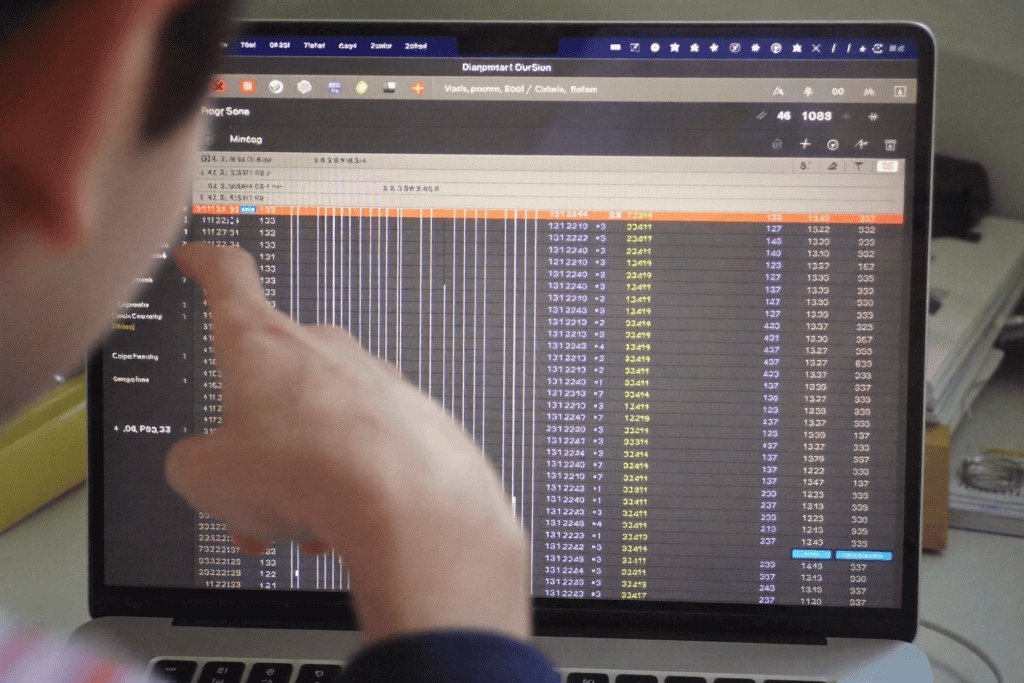
This is where the free plan’s rough edge showed up, and where this Composer AI Review earns its “cautiously” in the opening line. Watching the trade history over the two months, I noticed the strategy rebalancing more frequently than I expected for a relatively simple $5,000 account. Each of those small rebalances came with a transaction cost, and while no single one was dramatic, they added up over the course of the test in a way that quietly ate into the overall gain.
This is the classic overtrading problem: an algorithm that’s technically doing what it’s designed to do, but doing it more often than is actually good for a smaller account’s bottom line. If you’re not checking the trade history yourself, you might not even notice the fee drag — it doesn’t show up as a dramatic loss, it just shows up as a smaller gain than you should have gotten.
The Composer AI Overtrading Problem, Explained
This is the central finding of this Composer AI Review, so it’s worth explaining clearly. To be clear, overtrading isn’t a bug — it’s a design tradeoff. Composer’s automated strategies are built to respond to signals and rebalance the portfolio to match. That’s the entire pitch. The problem is that on a smaller account, transaction costs from frequent small rebalances take a proportionally bigger bite than they would on a larger portfolio.
If you’re testing Composer AI’s free plan with a small account like I did, keep a close eye on the trade history tab. It’s not hidden — it’s just easy to ignore if you’re treating the tool as fully hands-off, which is exactly how it’s marketed.
Ship: The Final Verdict
PASS — but go in with your eyes open. The final verdict of this Composer AI Review is that Composer AI’s free plan is a legitimately useful tool for DIY investors who want automated portfolio management without paying anything up front. It’s not a “set it and forget it” system despite how it’s positioned; it’s a “set it and check the trade log every couple weeks” system. Do that, and the free plan earns its spot in your toolkit. Skip that step, and small rebalancing fees will quietly chip away at what would otherwise be a solid result.
Who Composer AI’s Free Plan Is Actually For
- DIY investors who distrust “fully automated” claims and want to verify what a tool is actually doing before paying for it
- Smaller accounts willing to monitor trade frequency — as this Composer AI Review found, if you’re not checking in periodically, the fee drag from overtrading can erode gains without you noticing
- People comparing AI investing tools before committing to a paid tier — the free plan gives you enough real functionality to make an informed decision, and you can see how it stacks up against other tools tested on this site
Who Should Skip It (For Now)
- Investors who want truly hands-off automation — this Composer AI Review found the overtrading issue means this isn’t a “walk away and forget about it” tool, at least not on the free tier
- Very small accounts — the smaller the balance, the more proportionally painful each small rebalancing fee becomes
FAQ: Composer AI Review Questions
Is Composer AI’s free plan actually free, or is it a trial? Based on my testing, the free plan is an ongoing tier, not a time-limited trial — I wasn’t prompted to upgrade or cut off after a set period.
Does Composer AI’s free plan really overtrade, or was that specific to my test? This Composer AI Review can only speak to what I observed on my own $5,000 test account over 60 days. The rebalancing frequency was consistent enough that it seems like a structural pattern of the strategy logic rather than a one-off fluke, but your results may vary depending on which strategy you choose and how the market behaves during your test window.
Should I upgrade to a paid Composer plan based on this review? This Composer AI Review only covers the free plan. As of October 2026, paid plans start at $10 a month (Advanced) and $32 a month (Pro). I’d want to test the paid tier separately, with its expanded customization and backtesting tools, before making a call on whether it’s worth the upgrade — that’s a different Composer AI Review for a different day.
How does Composer AI compare to just picking index funds myself? Depends what you’re optimizing for. If you want a genuinely hands-off approach, a boring index fund avoids the overtrading fee-drag problem entirely. Composer AI makes more sense if you specifically want algorithmic rebalancing and are willing to monitor how often it’s actually happening.
Is Composer AI safe to connect a real brokerage account to? This test was run with a $5,000 simulated account, not a live brokerage connection, so I can’t speak firsthand to the platform’s handling of real funds. You should always do your own due diligence on any platform’s security practices and regulatory standing before connecting real accounts or moving real money.
The Bottom Line
The bottom line of this Composer AI Review: Composer AI’s free plan earned a PASS in my testing — it’s a real, usable product, not a stripped-down teaser, and it delivered a small net gain over 60 days on a $5,000 test account (simulated funds). But “automated” doesn’t mean “ignore it completely.” The overtrading issue is real, it’s quiet, and it’ll cost you money if you’re not paying attention to the trade log. Watch it, and the free plan is worth using. Ignore it, and you’re paying rebalancing fees for the privilege of not paying attention.
For the full breakdown of how every tool on this site gets tested the same way, see The Test Suite. For more AI tool verdicts like this Composer AI Review, check the latest reviews.
Keep Learning: Related Investing Guides
→ 7 Best AI Investing Tools for 2026 (Tested, Not Demoed)
Composer is not the only platform making promises. Six others, tested the same way, with the fee structures written down.
→ M1 Finance Review (2026): Automated Pie Investing, Honestly Reviewed
The other automation platform, and the one most people compare it to. What it does well, and what it does badly.